

Specialized Electrolux Appliance Repair in San Francisco
Mon–Sat: 8:00 AM – 7:00 PM
The light is on, the turntable spins and the fan hums, yet the plate comes out cold. Learn what separates a heating fault from a settings issue and what an owner can check.
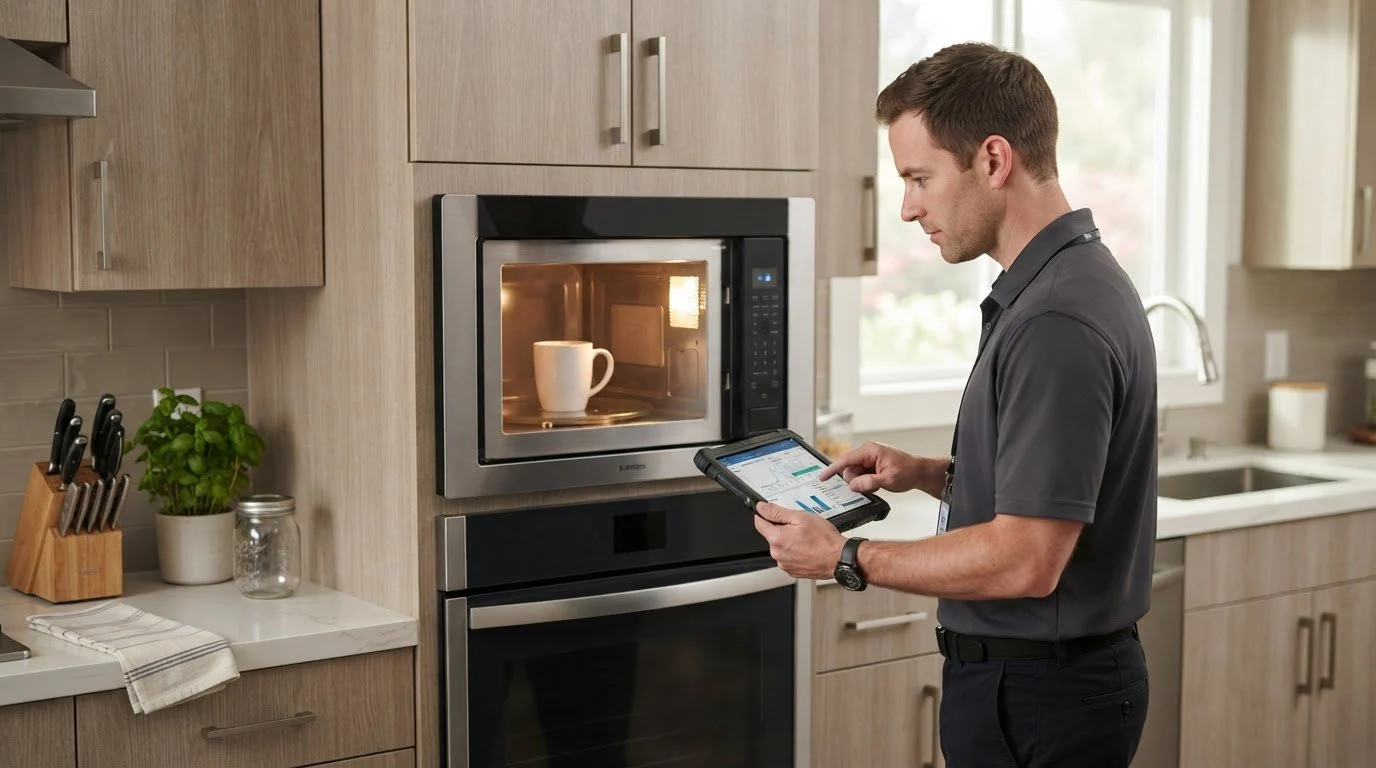
A microwave that counts down, hums, lights the cavity and turns the plate, but delivers cold food is one of the most confusing faults, because nearly everything seems to be working. The lights, display, fan and turntable are separate from the circuit that makes microwave energy. That is why a no-heat oven can look healthy from the front. The task is to work out whether the oven is choosing not to heat, or whether it is trying and failing.
Before you suspect a part, rule out the quiet reasons.
Put a cup of water in a microwave-safe container in the center of the turntable and run a short timed cycle. Never run the oven empty, since that can damage it. If the water is clearly warmer, the oven heats and the earlier problem was food, container or setting. If the water stays cold, the oven is not producing heat even though the rest of it runs. A microwave always needs something in the cavity to absorb energy, so a cup of water is the safest test load.
Electrolux microwaves protect themselves if they get too hot. The codes E1 and E4 both mean the thermal safety switch-off function was activated. A built-in oven needs air to move around it and through its vents. A trim kit that is blocked, a grille covered by a cabinet liner, or a cooling fan that has stopped can all lead to this. After the oven cools, it may run again for a short time and then shut off.
The code E17 reports that rapid heating has failed. That code points to the part of the control that brings the oven up to heating, not to a food or settings issue. Write it down if it appears.
The code E11 means moisture in the control panel. Steam from a pot on the cooktop beneath the oven, or water from a nearby cleaner, can reach it. If you see this, leave the oven unused and dry for a while, and tell us where it sits relative to the cooktop.
If the oven shows no code and the water stays cold, the cause is usually inside the high-voltage section, which includes the energy source, the supply that feeds it, and the safety parts around it. These are not owner-serviceable. They store electrical charge after the plug is pulled, which is the reason owners should never open the case.
Built-in microwaves rely on the cabinet around them for ventilation. A drop-down door unit like the EMBD3010AS and the side-swing EMBS2411BB both have vent paths that the trim kit is supposed to leave open. Items stored on top, shelf liners placed in the gap or insulation added to the cabinet can all choke off air. The same holds for the microwave section of a wall oven combination such as the ECWM3011AS, where the oven below adds heat that the fan must handle.
None of these needs a tool, and none involves opening the cabinet or the case. Keep the list in order and stop at the first step that changes the result.
Book when the water test fails, when a code appears again after cooling, or when you notice a buzz, a burnt smell or a flash. If you smell burning or see sparks, switch off at the breaker and leave it. Give us the model number from the cabinet frame or behind the drawer front, and tell us whether the unit is built into a trim kit.
We diagnose before any repair, write the estimate down, and do not proceed without your approval. See Electrolux microwave repair and the Electrolux microwaves guide for the full lineup.
The turntable, light, fan and display run on circuits separate from the one that produces microwave energy. A fault in the energy side can leave everything else working.
Yes, a microwave-safe cup of water in the center is the standard safe test load. Never run the oven empty, and stop if you see sparks or smell burning.
On Electrolux microwaves E17 indicates that rapid heating has failed. It is a control-side code, so write it down along with your model number.
Yes. Built-in units need ventilation. Blocked vents or added insulation can trigger a thermal safety shutoff that looks like a no-heat fault.
No. The parts involved hold dangerous electrical charge even when the oven is unplugged. Leave the case closed and book a visit.
Share a few details and we’ll confirm an appointment. Prefer to talk? Call us and we’ll help right away.