

Specialized Electrolux Appliance Repair in San Francisco
Mon–Sat: 8:00 AM – 7:00 PM
You wiped the glass and now the cooktop beeps, ignores touches or locks up. Moisture, residue and key-lock behavior explain most cases. Here is what to try and what not to do.
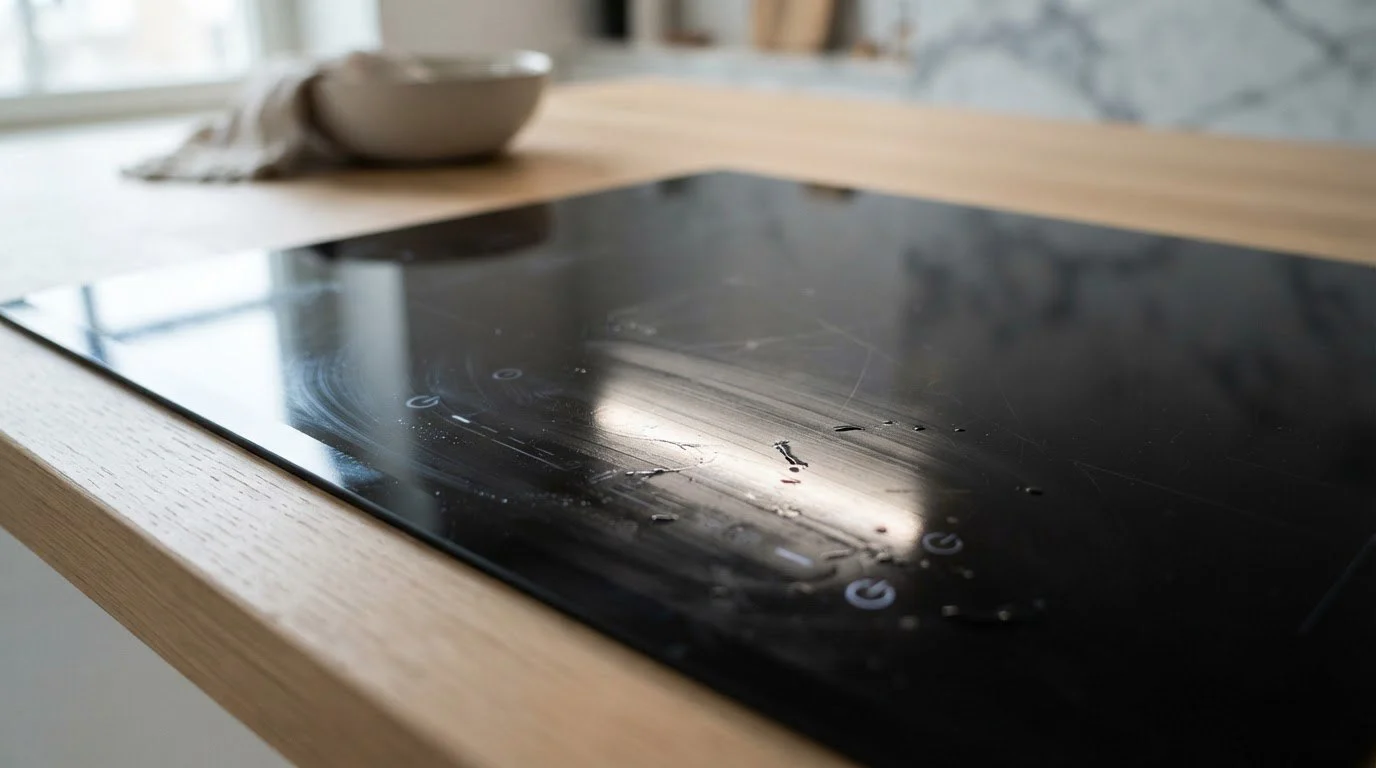
You wiped down the cooktop after dinner, and the next time you reached for the controls nothing happened. Or the cooktop beeps continuously, the display flashes, or a zone turns on by itself. Because the controls sit under the glass and respond to the touch of a fingertip, anything that mimics a fingertip can confuse them: a damp cloth, a film of cleaner, a puddle bridging two keys, even a pot lid resting on the control strip.
The control area behind the glass of an Electrolux cooktop senses small electrical changes when a finger approaches a marked key. Water and some cleaners conduct enough to trigger or block a key. If the control believes a key is being held down for too long, it may lock the keys, sound an alert, or switch off a zone as a safety measure. The manual lists code 11 as a jammed key, and the page for code 11 jammed key explains the reading in more detail.
It is important to treat this as a surface problem first. Most of the time, nothing in the cooktop is broken; the controls are doing what they were designed to do when they cannot tell a real touch from a false one.
A thin film of water under a ridge or along the edge of the control strip can sit there for a long time. Drying with a quick wipe often leaves a line behind. Water bridging two keys can look like two simultaneous touches.
Some glass cleaners leave a slightly conductive or sticky layer. That layer can slow response or cause ghost touches. Clean with a soft, slightly damp cloth, rinse by wiping again with only water, and dry with a lint-free towel.
A towel, a utensil rest, a lid or a hot pan close to the keys can heat the glass or press on the sensing area. A hot cooktop that has just been used also triggers a heat indicator, which is normal; wait for the indicator to go out before cleaning.
Many touch cooktops have a lock key that deliberately ignores other keys. A cloth wipe can accidentally press and hold it. Check for a lock symbol on the display and consult the owner guide for how to release it.
If the cooktop still does not respond after it is clean and dry, other readings matter. The manual lists code 14 for a touch panel tail missing, which describes a connection problem in the control panel, and code 15 for a control self-test failure. Code 21 describes a communication error on the internal bus. The manual also lists E2, a fault in the induction cooktop LED lighting. Any of these means the controls need a technician, not a longer wipe. Record the code precisely and note which zone or key was affected.
Liquid that has run beneath the glass edge is more serious. If a spill reached the seam between the glass and the countertop, the electronics below may have been exposed. That is not something to dry out with a hair dryer or a fan from above. Leave the cooktop off and book a visit.
Do not spray cleaner directly onto the control strip. Do not use abrasive pads or razor blades near printed symbols. Do not press hard on keys to force them to respond; a firmer press will not help and may crack a heated glass surface. Do not lift the glass top, and do not apply heat to the controls. If you smell burning or see a crack, flip the breaker and stop using the cooktop.
Cooktops fit into countertops with a gasket or adhesive seal around the edge. In older San Francisco kitchens, where counters may be worn or slightly uneven, spills can run toward the seam more easily than you might expect. A cooktop above an oven or a drawer may also carry rising heat that affects the glass temperature near the controls. When you report the problem, mention whether the controls sit at the front edge or on the side, as the technician will know where moisture would collect.
Layouts of the touch strip differ between the 30-inch and 36-inch induction cooktops, and a gas cooktop has knobs instead of touch controls. For instance, the ECCI3668AS is a 36-inch electric induction cooktop. The label is usually under the edge of the cooktop or on its frame, and it starts with ECCI for induction and ECCG for gas.
Book if a dry, clean surface does not restore normal control, if a code returns, or if liquid reached the seam. We diagnose before repairing, give a written estimate, and repair only with your approval. Our Electrolux cooktop repair page explains the visit.
Moisture or residue can look like a stuck key, and the cooktop alerts you or locks itself. Cleaning and drying the strip properly usually ends the beeping.
No. It describes a jammed key, which is often just a wet or covered control. If it persists on a dry, clean surface, request a visit.
It is better not to. Heating glass unevenly or pushing moisture toward the seam can create new problems.
Switch off the breaker and clean and dry the strip. If it happens again once the surface is dry, stop using the cooktop and book a visit.
Give the model number, what you used to clean, any code shown, and whether liquid may have reached the edges.
Share a few details and we’ll confirm an appointment. Prefer to talk? Call us and we’ll help right away.